
BlueScreenViewNirSoft
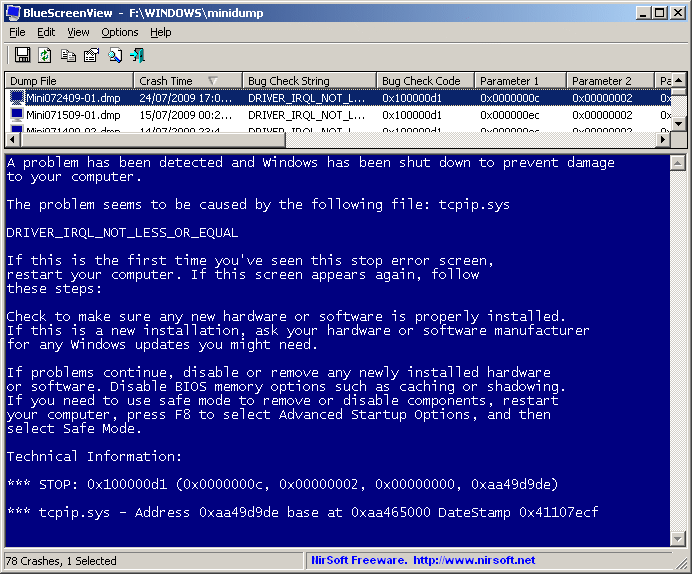
Lightweight Windows minidump viewer for reviewing crash times, stop codes and implicated drivers.
Source: Official publisher website
Always confirm the publisher, your device compatibility and the source before installing software.
Lightweight Windows minidump viewer for reviewing crash times, stop codes and implicated drivers.
Lightweight Windows minidump viewer for reviewing crash times, stop codes and implicated drivers.
Use it to identify patterns across dumps. A highlighted driver is a clue, not proof of the root cause.
Use the official publisher page linked in the Download Information panel. PRBLEM provides a reference and does not host or independently certify executable files. Verify compatibility and review the publisher documentation before installation.